Trading Journal Template: The Fields Every Trade Entry Needs
A practical trading journal template for forex, gold and indices traders: the trade fields, the context fields and the daily review questions to include.
A trading journal template sounds like a small thing, but the fields you choose decide what you'll be able to learn later. Leave out the initial stop loss and you can never measure risk. Add thirty fields and you'll stop filling them in by Wednesday.
Here's a template that balances the two, plus an example entry.
The three layers of a journal
A complete journal has three layers:
- Trade data — facts from your platform
- Trade context — why you took the trade and how you managed it
- Session context — how you were doing as a trader that day
Layer 1: Trade data
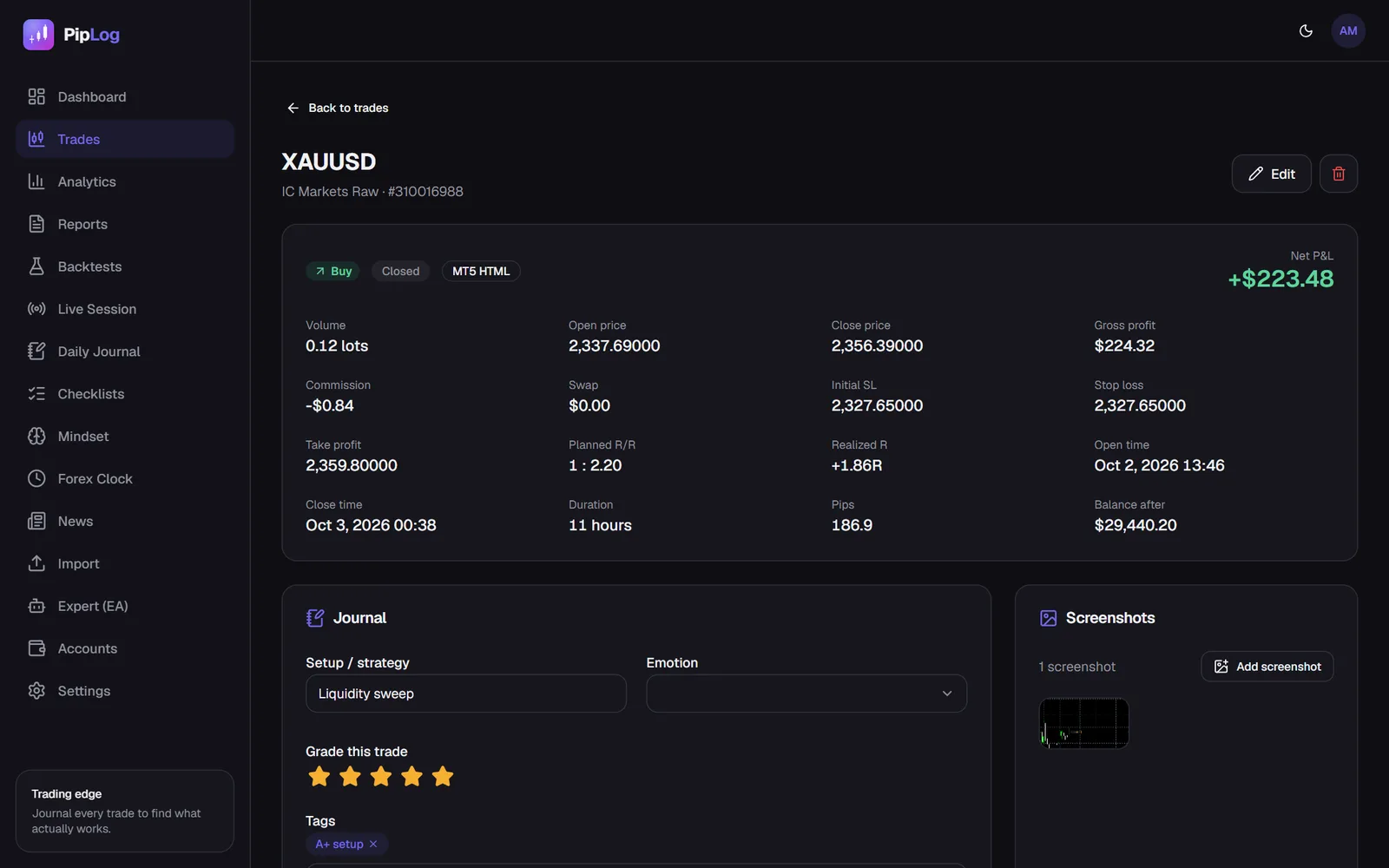
| Field | Example | Why |
|---|---|---|
| Ticket | 310004521 | Prevents duplicates when re-importing |
| Account | Prop Challenge 100k | Keep accounts separate |
| Symbol | GBPUSD | Breakdowns by instrument |
| Direction | Buy | Breakdowns by direction |
| Volume | 0.80 lots | Detect oversizing |
| Open time / close time | 08:14 / 11:02 | Session and holding-time analysis |
| Open / close price | 1.27180 / 1.27610 | Result in pips |
| Initial stop loss | 1.26980 | Defines risk (1R) |
| Final stop loss | 1.27180 | Shows whether you moved to break-even |
| Take profit | 1.27610 | Planned risk-reward |
| Profit, commission, swap | +$344, −$5.60, $0 | Net P&L |
If your journal imports these from MetaTrader, you never type them. See how to export MT5 history.
Layer 2: Trade context
Keep this short enough to fill in for every single trade.
- Setup: pick from a fixed list (e.g. London breakout, trend pullback, range reversal). Free text makes later analysis impossible.
- Entry reason: one or two sentences.
- Management: moved to break-even? Trailed? Closed early? Why?
- Emotion: pick from a short list: calm, confident, anxious, FOMO, frustrated.
- Execution rating: 1 to 5, graded on how well you followed the plan, not on the result.
- Mistakes: only if you broke a rule.
- Tags: free labels like "news", "A+ setup", "scaling in".
- Screenshot: the chart at entry, and ideally at exit.
Flag the trades that matter
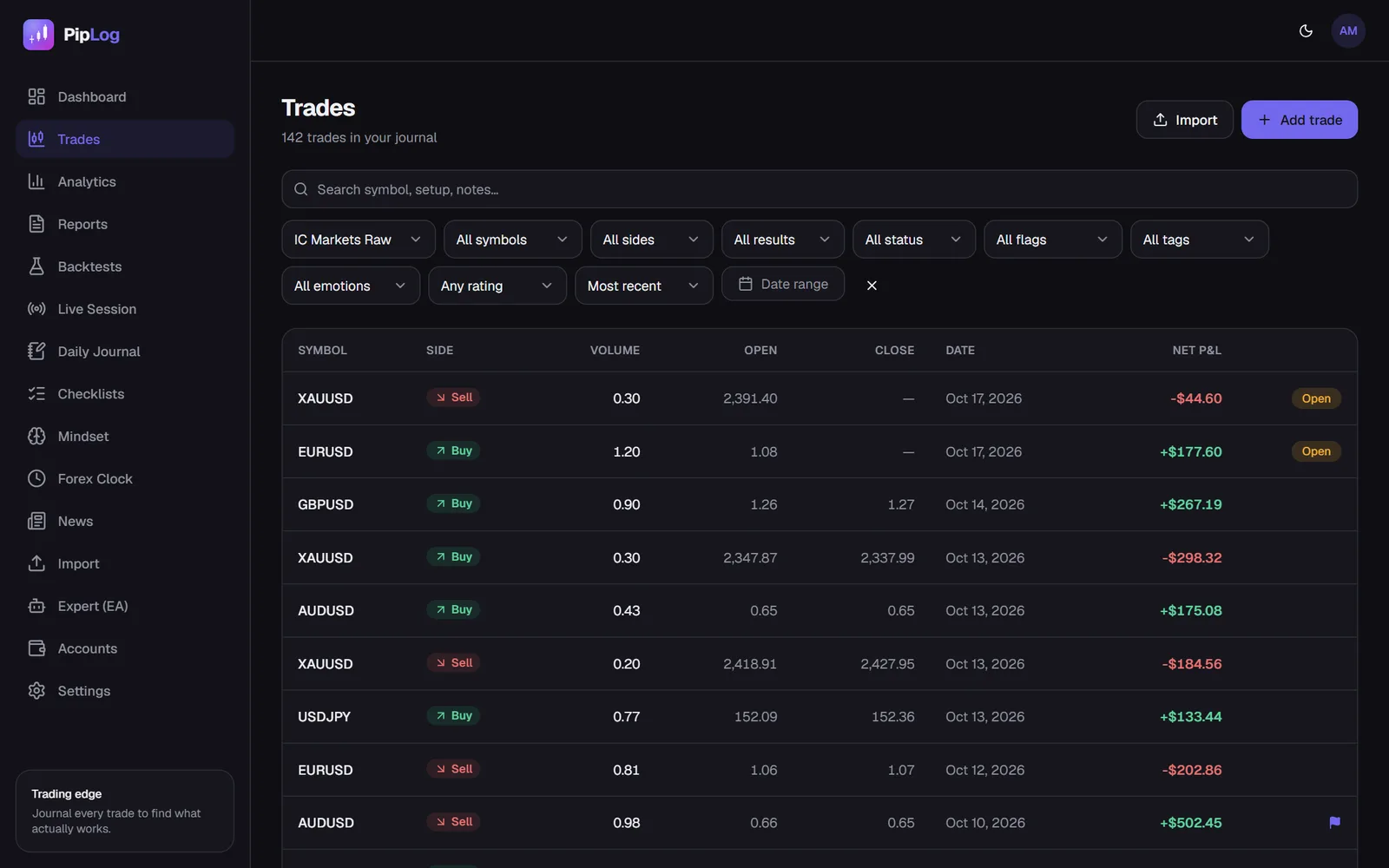
Some trades deserve a second look: a major mistake, an important lesson, a perfectly executed winner. Flag them with a type (mistake, lesson, emotional, revenge, good trade, rule break) and a one-line note. During your weekly review, filter by flag and re-read only those.
Layer 3: Session context
Once per day, not per trade.
Before the session
- Mood and energy (1 to 5)
- Plan: which markets, which setups, how many trades maximum
After the session
- Mood after trading
- What went well, what didn't
- Lesson of the day
- Did I follow my rules? Yes or no
More on this in trading psychology journaling.
Example entry
Short, specific, and useful a year from now.
Weekly review template
Answer the same questions every week:
- Net P&L, win rate, profit factor and average R this week
- Best and worst setup by total R
- Total cost of trades flagged as mistakes or rule breaks
- Worst day or session, and why
- One change for next week
Template in a spreadsheet vs. a journal app
You can build this template in Excel or Google Sheets: one tab for trades, one for daily entries, one for the weekly review. The trade-data layer is the painful part, because it has to be copied by hand or pasted from exports.
A journal app fills layer 1 automatically and leaves you only the context. PipLog's trade page has all the fields above, including the initial stop loss, flags, tags and screenshots, and the daily journal covers layer 3. Compare both approaches in spreadsheet vs. app.
Journal your MT4 & MT5 trades automatically
Import a statement or sync live with the PipLog EA. Win rate, profit factor, expectancy and drawdown are calculated for you.
Start your journal