Trading Journal Spreadsheet vs. Journal App: Which Should You Use?
Excel and Google Sheets trading journals are free and flexible. Journal apps automate imports and analytics. An honest comparison for MT4 and MT5 traders.
Every trader who starts journaling faces the same choice: build a spreadsheet, or use a trading journal app. Both can work. The right answer depends on how many trades you take, how much time you want to spend on data entry, and what you want to learn from your journal.
The case for a spreadsheet
Spreadsheets have real advantages:
- Free. Excel, Google Sheets or LibreOffice cost nothing extra.
- Fully flexible. Any column, any formula, any chart.
- You own the file. No account, no dependency on a service.
- Good for learning. Building your own formulas for win rate and expectancy teaches you what they mean.
For a new trader taking a few trades a week, a spreadsheet is a perfectly good start.
Where spreadsheets break down
The problems appear gradually, then all at once:
Manual data entry
Each trade needs symbol, direction, volume, times, prices, stop, target, profit, commission and swap. That's 10+ fields copied by hand, per trade, forever. It's the main reason journals are abandoned.
Errors
A wrong decimal in a price or a missed commission quietly breaks every statistic that depends on it, and you won't notice.
Formulas get fragile
Drawdown, R-multiples, streaks and breakdowns by weekday or setup need increasingly complex formulas. One sorted column or pasted row can break them.
No screenshots
You can link images, but attaching a chart to each trade and reviewing them side by side is clumsy.
No behaviour detection
Spotting revenge trades means comparing each trade's open time with the previous losing trade's close time. Possible in a spreadsheet, but almost nobody builds it.
What a journal app adds
| Spreadsheet | Journal app | |
|---|---|---|
| Cost | Free | Free to paid |
| Data entry | Manual | Import or live sync |
| Duplicates on re-import | Your problem | Handled by ticket |
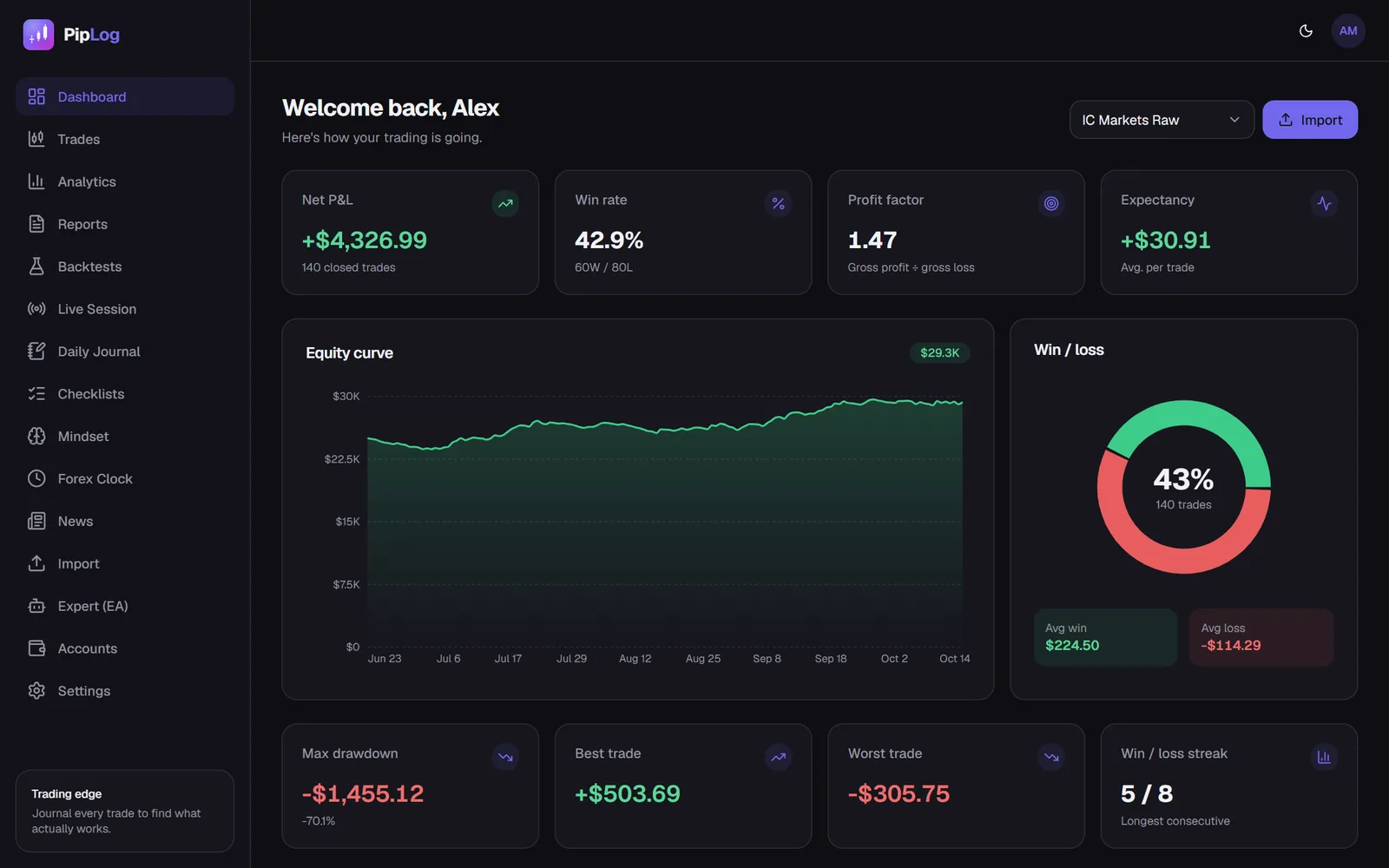
| Core stats (win rate, PF, expectancy, drawdown) | Build yourself | Automatic |
| Breakdowns (symbol, weekday, setup, tag) | Pivot tables | Automatic, filterable |
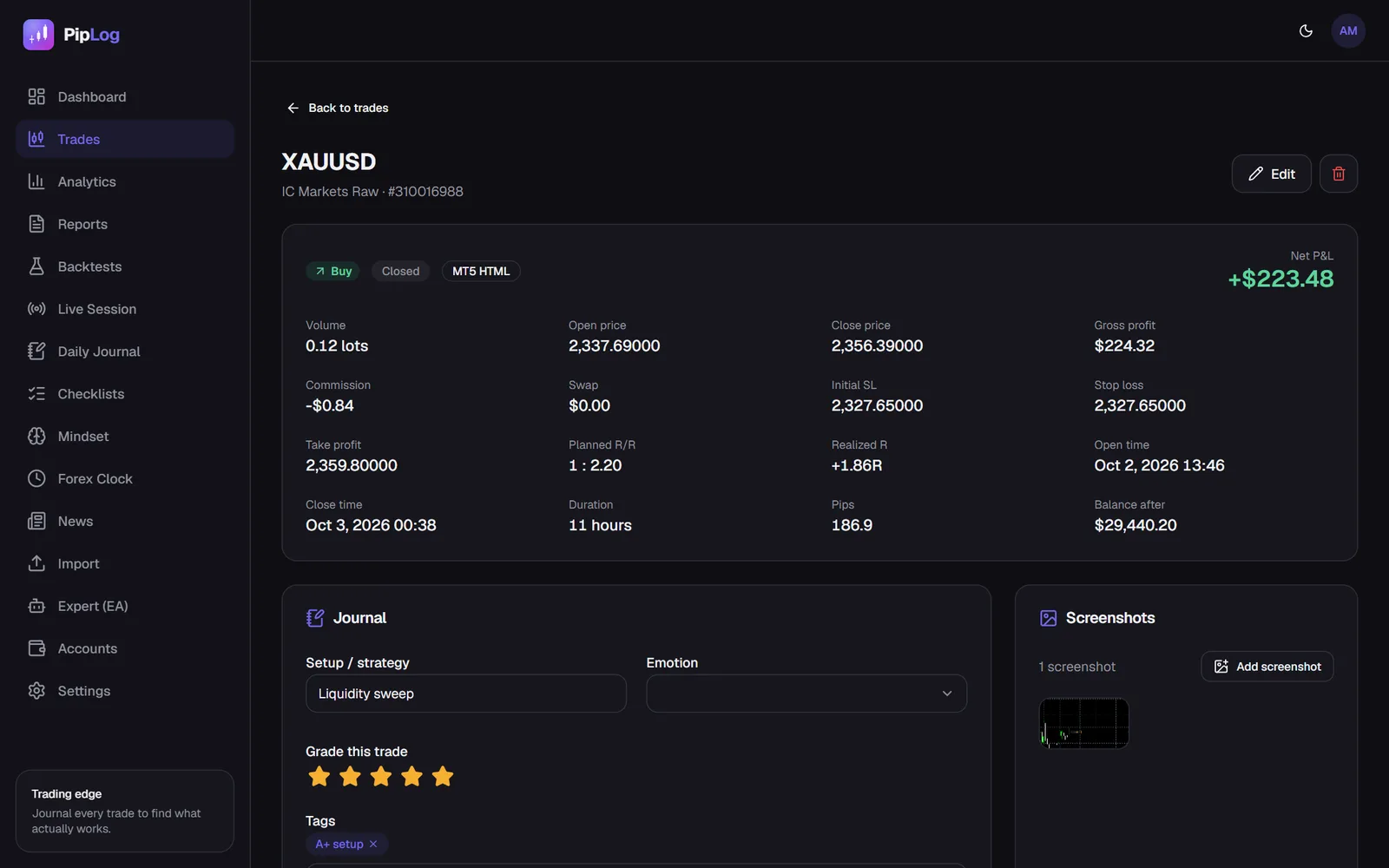
| R-multiples | Needs initial SL column + formulas | Automatic with initial SL |
| Screenshots | Links | Attached to each trade |
| Tilt detection | Rarely | Automatic in some apps |
| Flexibility | Unlimited | Limited to the app's features |
Which should you choose?
Choose a spreadsheet if:
- You take fewer than 5 trades a week
- You enjoy building your own analysis
- You want to understand every formula
Choose an app if:
- You trade daily or have hundreds of trades of history
- You've started and abandoned a spreadsheet before
- You want screenshots, behaviour detection or multiple accounts
- You trade MT4 or MT5 and want imports or live sync
A middle path
Many traders keep both: an app for the trade data and analytics, and a simple document for longer-form weekly reviews and strategy notes. The key is that the repetitive part is automated, so the journaling habit survives a bad week.
What PipLog does
PipLog is a trading journal built for MetaTrader traders:
- Imports MT4 and MT5 statements (HTML, Excel, CSV) and generic CSV, de-duplicated by ticket
- Optional live sync from MT5 through the PipLog EA, including the initial stop loss and chart screenshots
- Win rate, profit factor, expectancy, drawdown and R-multiples, broken down by symbol, weekday, direction, month and tag
- Per-trade notes, setup, emotion, rating, flags and screenshots, plus a daily pre- and post-session journal
- Tilt detection for revenge trades, oversizing, loss streaks and overtrading
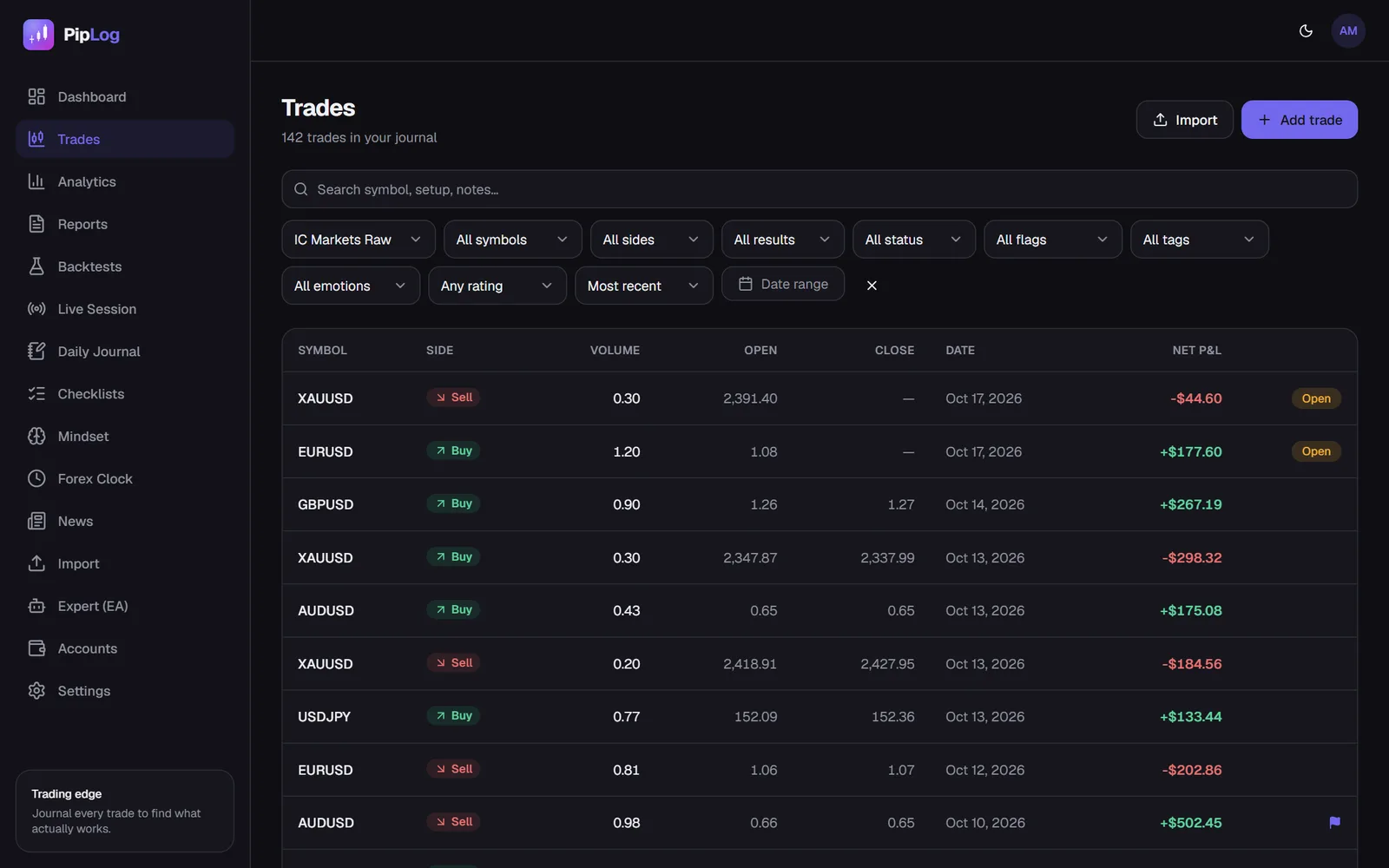
If you're currently using a spreadsheet, you don't need to migrate anything by hand. Export your full history from MetaTrader (MT5 guide, MT4 guide) and import it. Generic CSV files are supported too.
Journal your MT4 & MT5 trades automatically
Import a statement or sync live with the PipLog EA. Win rate, profit factor, expectancy and drawdown are calculated for you.
Start your journal