Revenge Trading: How to Spot It in Your Journal and Stop It
Revenge trading turns a normal loss into a terrible day. Learn the warning signs, how to detect revenge trades in your data, and rules that stop the spiral.
You take a clean setup, it hits your stop, and something shifts. The next trade comes ten minutes later, slightly bigger, on a setup you'd normally skip. Then another. An hour later, a 1% loss has become 5%.
That's revenge trading: trading to get back at the market, or more honestly, to make a loss disappear. Almost every trader does it. The good news is that it leaves very clear footprints in your data.
What revenge trading looks like in data
Revenge trades are hard to admit in the moment, but easy to detect afterwards. They share a few patterns:
| Signal | What to look for |
|---|---|
| Speed | A new trade opened within minutes of a losing close |
| Size | Volume well above your normal position size |
| Streaks | Trades taken while already on 3+ consecutive losses |
| Frequency | Far more trades than your typical day |
| Timing | Trades at hours you don't normally trade |
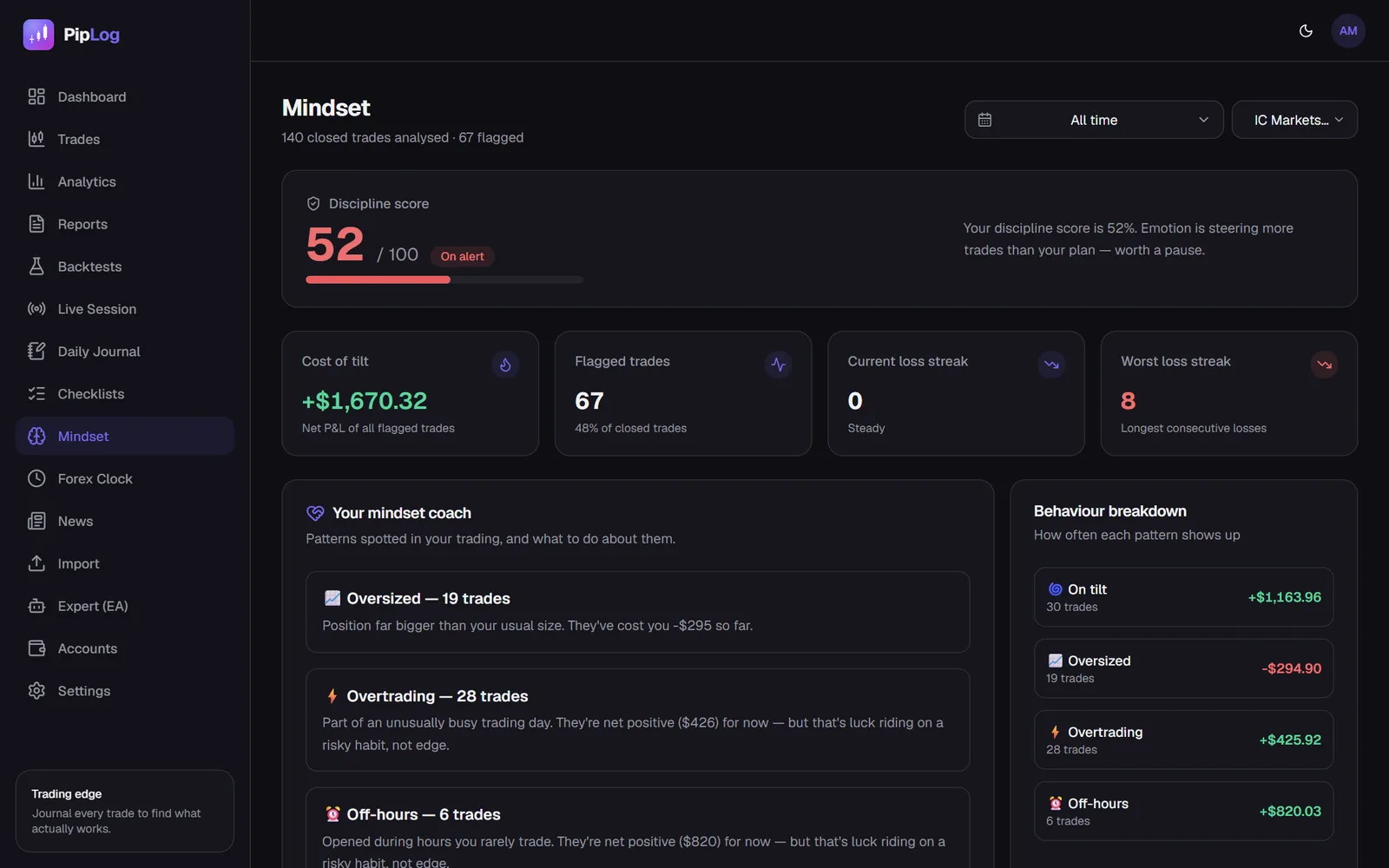
PipLog's mindset view checks every trade for these signals automatically: a trade opened within 15 minutes of a losing close is flagged as revenge, a position more than twice your median size as oversized, trades taken on a 3+ loss streak, unusually busy days as overtrading, and trades at hours you rarely trade as off-hours.
Why it happens
Revenge trading isn't a strategy problem; it's a stress response. A loss feels like a threat, and the fastest way to remove the discomfort is to win it back immediately. The trades that follow are about the feeling, not the chart.
Common triggers:
- A loss on a trade you were sure about
- A stop hit just before price moved in your direction
- A losing week, or a loss that wiped out a winning day
- Pressure from targets, such as a prop firm challenge
- Fatigue, poor sleep or stress outside trading
Measure what it costs you
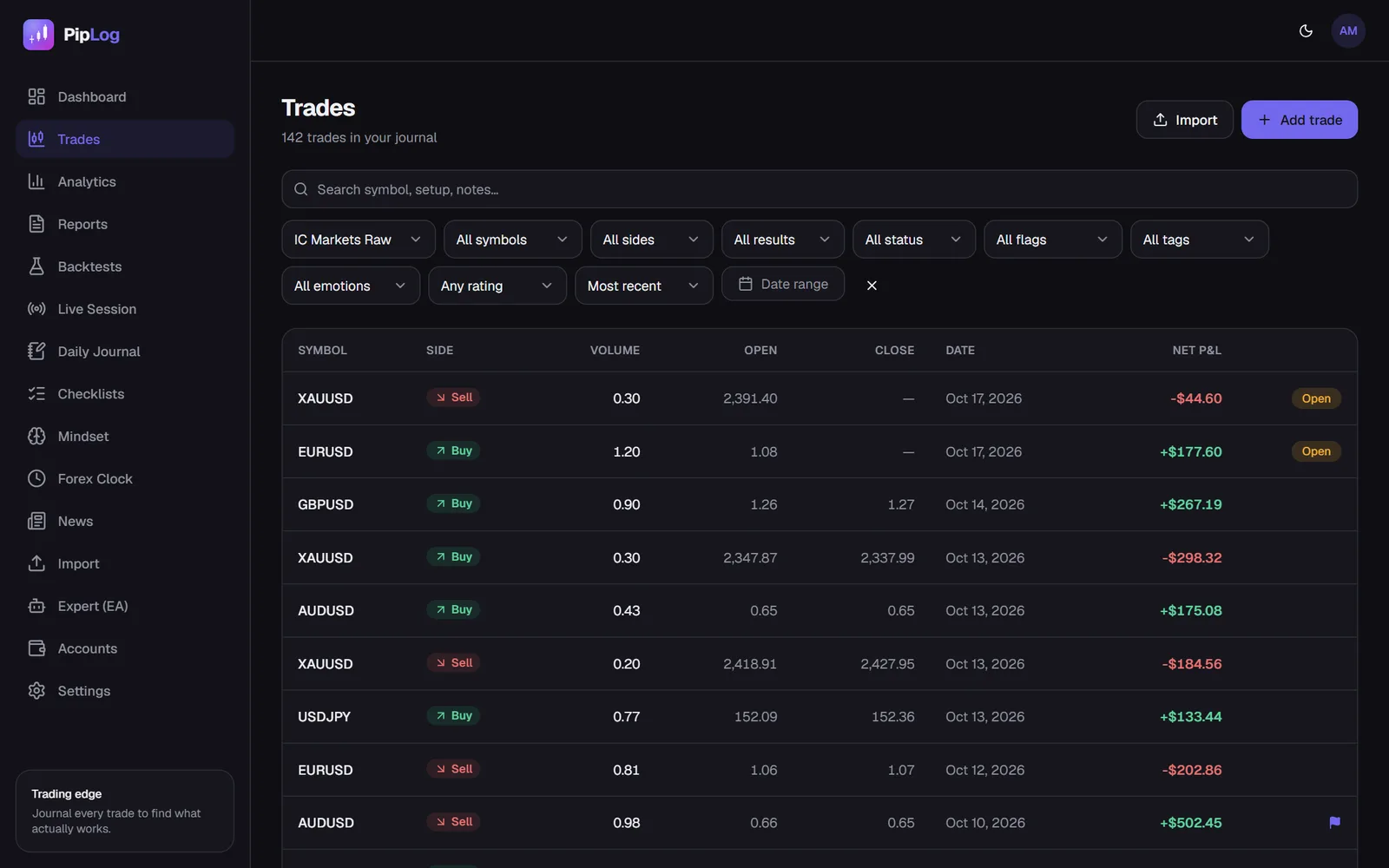
Start by quantifying the problem. In your journal, filter for trades flagged as revenge (or tag them manually), and compare:
- Win rate and average R of revenge trades vs. all other trades
- Total net P&L of revenge trades
- How many of your worst days included a revenge sequence
For most traders, removing revenge trades alone turns a flat or losing month into a profitable one. That number is the strongest motivation you'll find.
Rules that stop the spiral
Willpower fails exactly when you need it. Rules that work are concrete and, ideally, enforced.
1. A cool-down after a loss
No new trade for 15 to 30 minutes after a losing close. Stand up, leave the screen, write the journal entry for the losing trade first.
2. A daily loss limit
Stop for the day after losing, for example, 2% or two full R. The PipLog EA can enforce this in MT5 by blocking new panel orders once the limit is hit.
3. A maximum number of trades
Most revenge spirals are also overtrading days. A hard cap of three or four trades per day stops the damage early.
4. Fixed position size
Your size comes from your risk percentage and your stop, never from how you feel. See position sizing.
5. A pre-trade checklist
If a trade can't pass your pre-trade checklist, it isn't taken. Revenge trades rarely pass.
Use your journal as the circuit breaker
The journal is most powerful between trades, not just after the session:
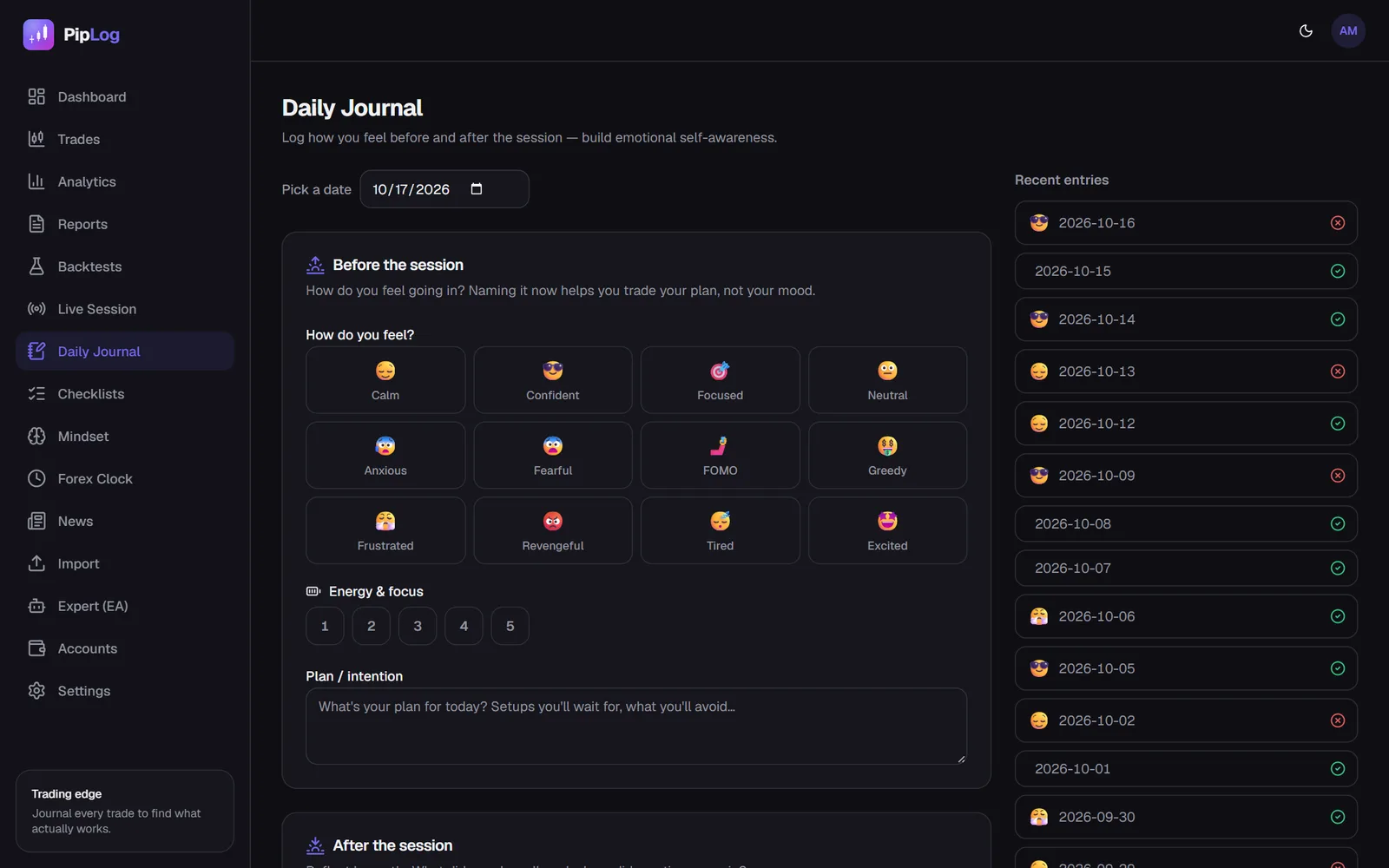
- After every losing trade, write the entry before doing anything else.
- Rate your emotion honestly. "Frustrated" and "need to win it back" are data.
- Flag revenge trades when they happen, with a one-line note on the trigger.
- In your weekly review, re-read only flagged trades.
Over a few weeks, you'll see your own triggers clearly, and you'll notice the urge before you act on it. That awareness is the skill.
A simple recovery protocol
When you catch yourself in a revenge sequence:
- Close the platform. Not minimise, close.
- Write down what happened, the losses, and how you feel.
- Don't trade again that day.
- Next session, trade at half size until you've had two rule-following days.
Journal your MT4 & MT5 trades automatically
Import a statement or sync live with the PipLog EA. Win rate, profit factor, expectancy and drawdown are calculated for you.
Start your journalKey takeaways
- Revenge trades are fast, large, frequent and often at unusual hours, which makes them easy to detect in data.
- Measure the cost first; it's usually larger than you expect.
- Use enforced rules: cool-downs, daily loss limits, trade caps and fixed sizing.
- Journal between trades, not only after the session.